[Home-K8S] #22 FluxCD 계층과 분리 / 다중 클러스터 리소스 공유와 설정 분리
FluxCD - yaml 앞서 fluxcd 를 이용해서 helm chart 를 구성했습니다. 그 외에 일반적인 yaml 파일을

oidc 구성을 완료하였으면 envoy gateway 에서 인증 단계를 구성할 수 있습니다.
https://gateway.envoyproxy.io/docs/tasks/security/oidc/
httproute 의 경우에는 다른 서비스(인증이 필요없는) 와 동일하게 구성하시면 됩니다.
apiVersion: gateway.networking.k8s.io/v1
kind: HTTPRoute
metadata:
  name: app1-route
  namespace: app1-service
spec:
  parentRefs:
  - name: envoy-gateway
    namespace: envoy-gateway
  hostnames:
  - app1.example.kr
  rules:
  - matches:
    - path:
        type: PathPrefix
        value: /
    backendRefs:
    - name: app1-service
      port: 80
namespace: app1-serviceenvoy gateway 의 Security Policy 를 적용해 주면 인증을 통해 들어갈 수 있게 합니다.
oidc 서비스와 security policy 를 연결하기 위한 secret 을 생성합니다.
(value 는 dex idp config 에서 설정한 staticClients > secret 값입니다.
base64 인코딩 후에 넣어줍니다. )
apiVersion: v1
kind: Secret
metadata:
  name: app1-oidc-secret
  namespace: app1
type: Opaque
data:
  client-secret: MzQ2ZTIwYWE4MDNjZGJhOGRiNWRlYmMxYjdmMWU1ODNkN2ExN2Y0Zgo=
oidc provider 에 dex url 을 적용하고 redirectURL 을 설정해 줍니다.
이 URL과 logoutPath 는 원하시는 값으로 하시면 되고, 서비스에서는 사용하고 있지 않아야 겠죠.
apiVersion: gateway.envoyproxy.io/v1alpha1
kind: SecurityPolicy
metadata:
  name: app1-oidc-policy
  namespace: app1
spec:
  targetRefs:
  - group: gateway.networking.k8s.io
    kind: HTTPRoute
    name: app1-route
  oidc:
    provider:
      issuer: "https://dex.example.com"
    clientID: "envoy-gateway"
    clientSecret:
      name: "app1-oidc-secret"
    redirectURL: "https://app1.example.kr/oauth2/callback"
    logoutPath: "/logout"
    cookieDomain: "example.kr"
    forwardAccessToken: false           # 헤더 값
    scopes:
    - openid
    - email
    - groups
    - profile
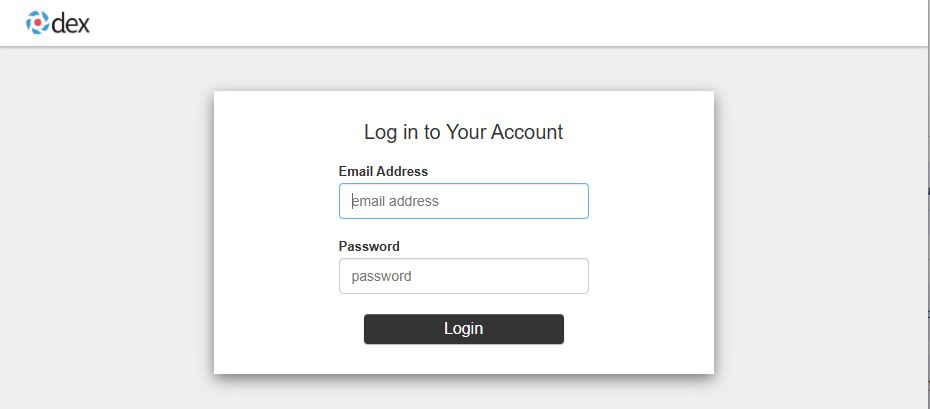
설정된 url 로 접속하면 설정된 id 로 접근할 수 있습니다.
기존에 n8n 에 접근할 때, 헤더값을 이용해서 자동 로그인으로 접근하고 있었습니다.
nginx-ingress 에서 auth-response-headers 로 값을 넘겨주었는데, envoy gateway 에서 forwardAccessToken 와 scopes 를 통해서 넘겨줄 수 있습니다.
idToken-suffix 형태로 된 jwt값을 디코딩하고 원하는 값을 사용하면 됩니다.
username : name / email : email
Comments